
Compress Image for Email Attachment

Stop worrying about email attachment limits. ForgeonX helps you shrink large photos and graphics so they fit perfectly into Gmail, Outlook, and other mail services. Compress multiple images in seconds without losing the details your recipients need to see.

Target size

Set output file size

On

Before / After

Drag to compare the result.

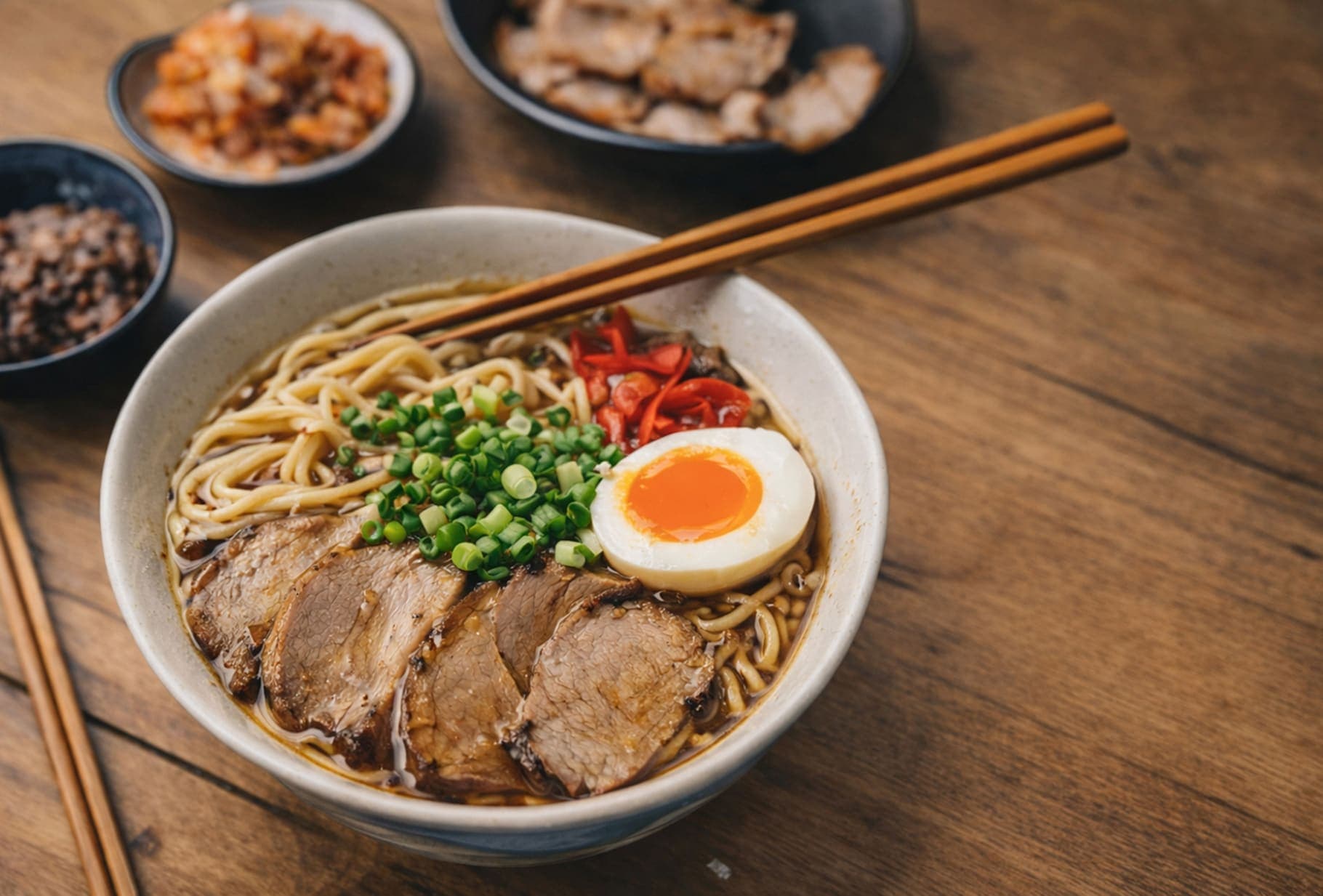
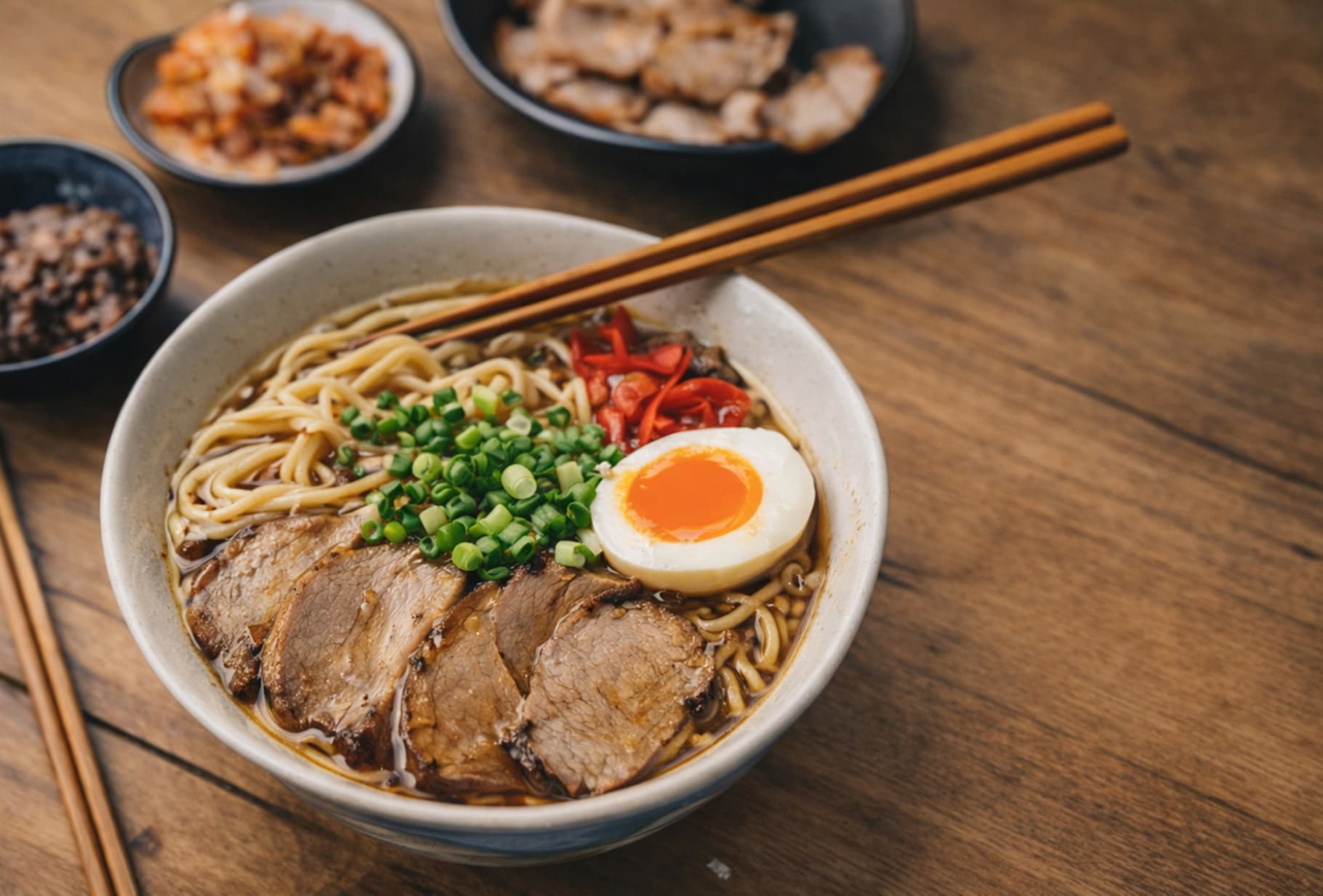
A quick visual check for detail, texture, and file-size tradeoffs. Reduced by 85% in this example.

Before
After
Before
After
Original 1.20 MB
Compressed 188 KB

FAQ

What is the maximum image size for email attachments?

Most major email providers like Gmail and Outlook have a total attachment limit of 25MB. If you are sending several high-resolution photos, you will likely exceed this. ForgeonX allows you to compress these images into a much smaller footprint so they send without issues.

Will my images look blurry when my recipient opens the email?

No. ForgeonX uses smart compression that removes invisible data while preserving the visual sharpness. Your recipients will see clear, professional-looking images, even though the file size has been reduced by 70-90%.

How do I make sure my images are small enough for Gmail?

We recommend keeping individual images under 1MB or 2MB to ensure the entire email stays under the 25MB limit. You can use our "Target Size" mode to set a safe limit for all your attachments at once.

Is it safer to use ForgeonX than sending large files via Cloud links?

Many people prefer compressed attachments because they open instantly within the email. ForgeonX ensures your privacy by automatically deleting your files from our servers after 12 Hours, so your personal or work photos remain secure.

Can I compress a whole folder of photos for an email?

Yes! ForgeonX supports batch processing. You can drag and drop up to 25 images simultaneously, compress them all in one click, and then download them as a zip or individually to attach to your email.