
Compress JPG

Compress JPG or JPEG images online with the best quality and compression. ForgeonX helps you reduce file sizes in bulk while maintaining crystal-clear results.

Target size

Set output file size

Off

Before / After

Drag to compare the result.

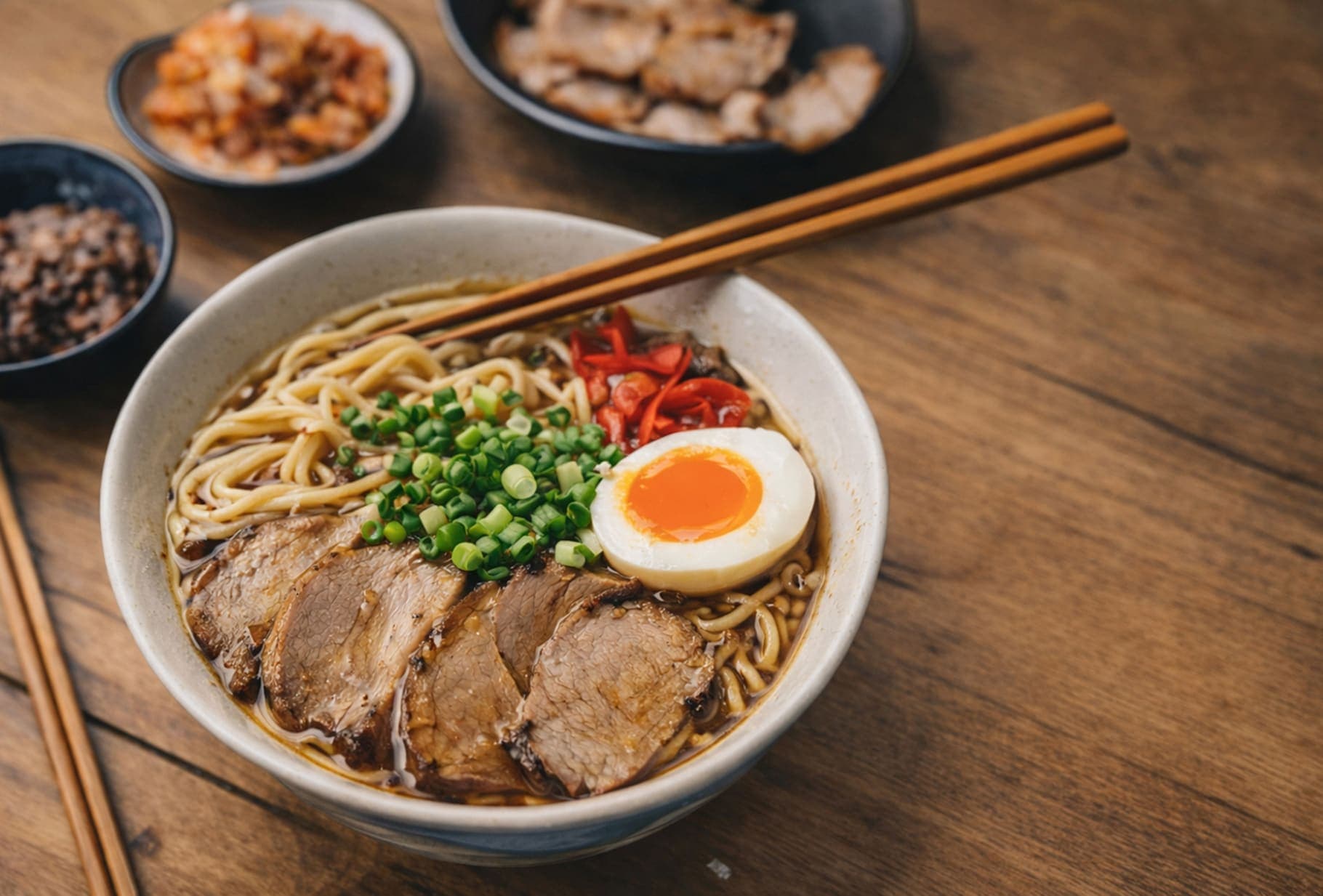
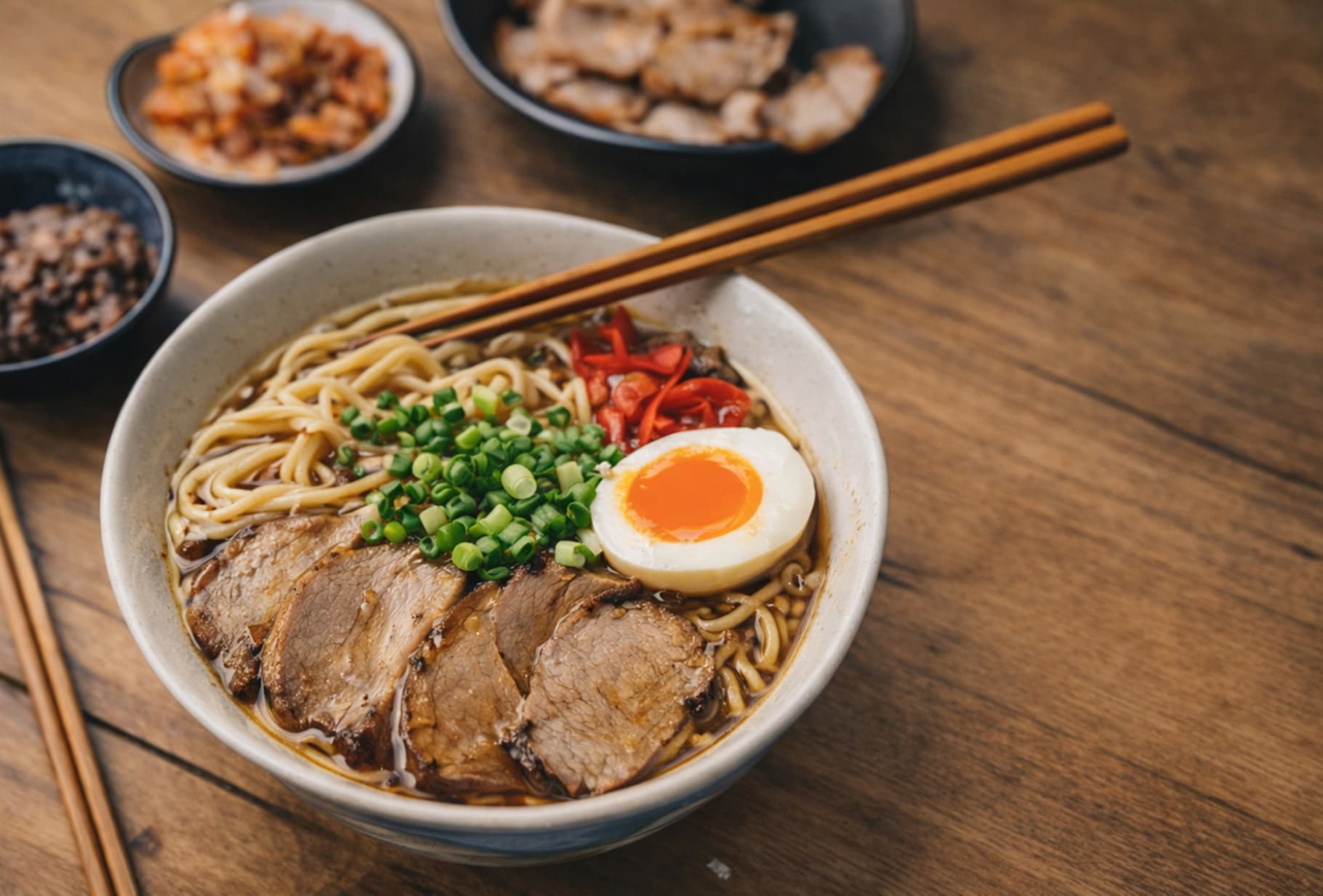
A quick visual check for detail, texture, and file-size tradeoffs. Reduced by 85% in this example.

Before
After
Before
After
Original 1.20 MB
Compressed 188 KB

FAQ

How can I compress JPG images without losing quality?

Using ForgeonX for jpg to compress is simple and efficient. Our advanced compression algorithms analyze your images to remove unnecessary data while preserving visual clarity. Simply drag and drop your files, and the tool will automatically balance file size reduction with high-quality output, ensuring your photos remain crisp and professional.

Can I bulk compress multiple JPG images at once?

Absolutely! ForgeonX is built for efficiency, allowing you to batch compress up to 25 JPG images in a single session. This is perfect for photographers and e-commerce sellers who need to optimize large galleries quickly without the hassle of uploading files one by one.

How can I compress a JPG to a specific size like 100KB or 200KB?

If you need to meet a strict upload limit, you can use our specialized [Target Size Mode]. While this page offers standard optimization, our dedicated [Fixed Size Compressor] allows you to input a specific value (e.g., 50KB, 100KB, or 200KB). ForgeonX will then precisely adjust the compression levels to match your requirements perfectly.

Are my images safe when I use ForgeonX?

Your privacy is our top priority. All image processing on ForgeonX is highly secure-we do not store your original or compressed photos on our servers permanently. All files are automatically deleted after 12 Hours, ensuring that your data remains private and protected at all times.

What is the difference between JPG and JPEG for compression?

There is no technical difference between the two. JPG and JPEG refer to the same image format. Whether your file extension is .jpg or .jpeg, our tool treats them identically, providing the same high-speed, lossless-quality compression for both.