
Compress Image for Resume Upload

Ensure your resume gets through every application portal. ForgeonX helps you reduce the file size of resume photos and portfolios to meet strict upload limits without compromising on professional quality. Fast, secure, and free to use.

Target size

Set output file size

On

Before / After

Drag to compare the result.

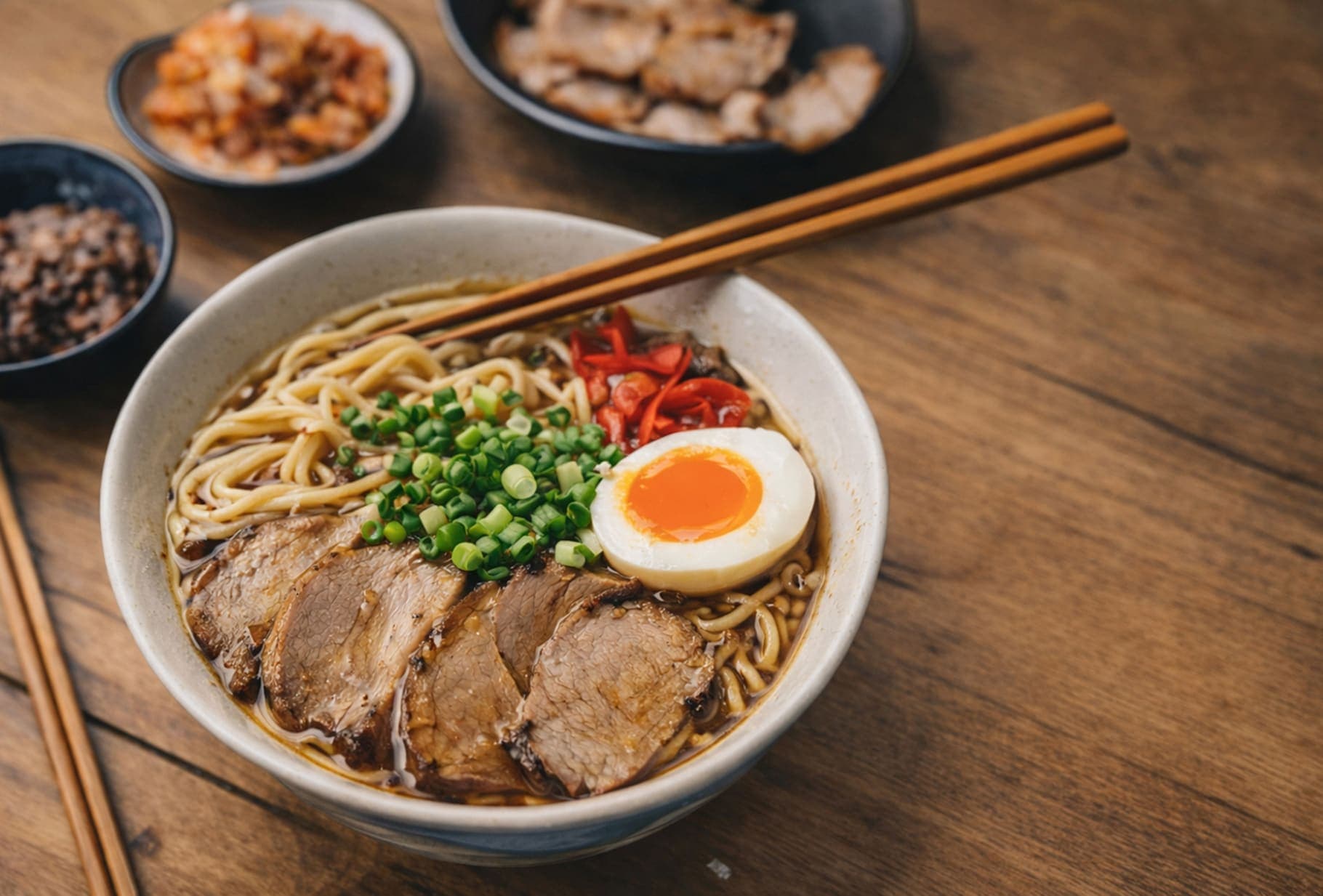
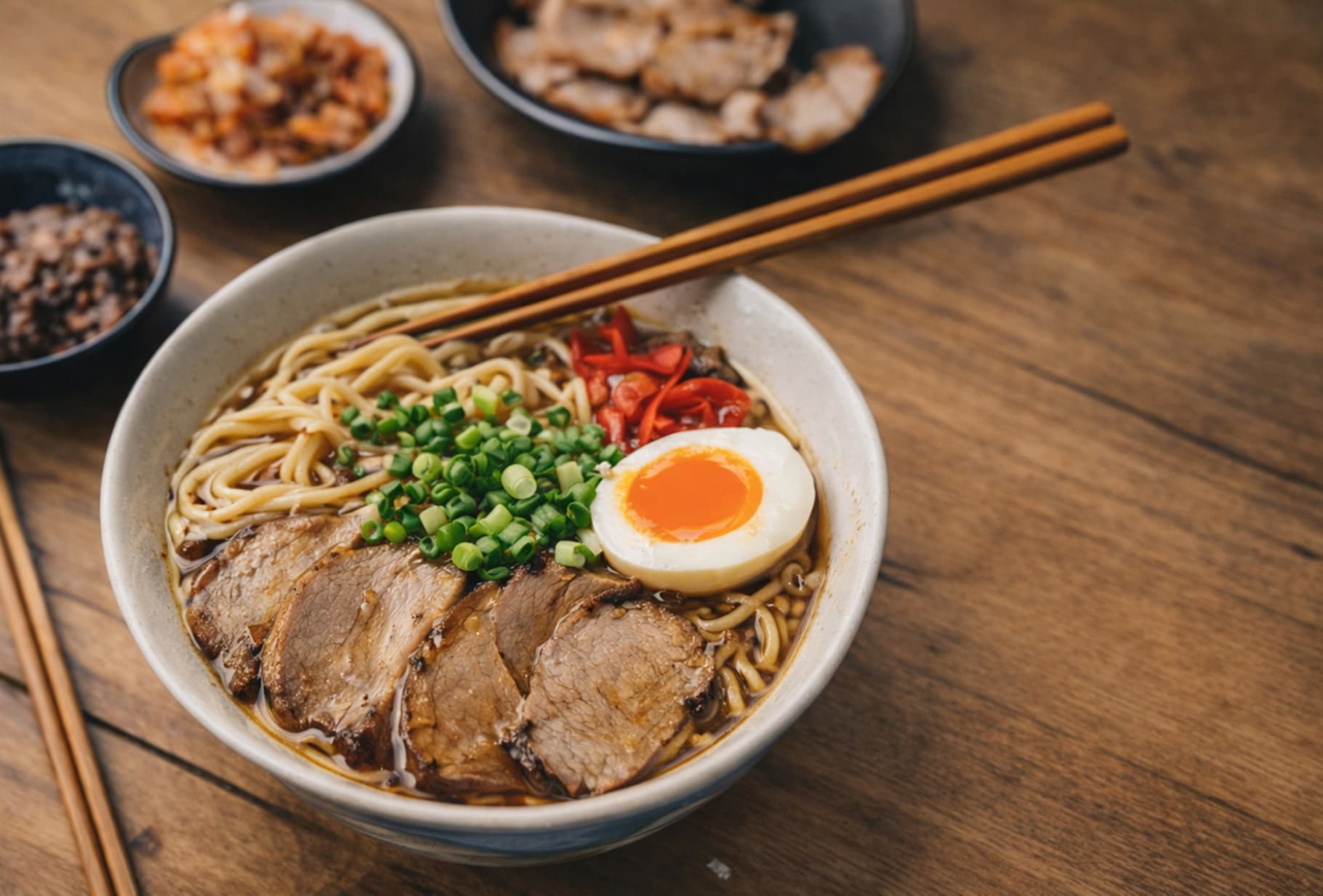
A quick visual check for detail, texture, and file-size tradeoffs. Reduced by 85% in this example.

Before
After
Before
After
Original 1.20 MB
Compressed 188 KB

FAQ

Why is my resume image too large to upload?

Most career portals and recruitment systems have strict file size limits (often 500KB to 2MB). High-resolution headshots or portfolio images can easily exceed this. ForgeonX optimizes these images, removing unnecessary data while keeping you looking professional.

Will compressing my resume photo make it look blurry?

Not with ForgeonX. We use visually lossless compression technology. This ensures that while the file size shrinks, your facial features and any text within the image remain crisp and clear for recruiters to see.

What is the best file size for a resume image?

Generally, keeping an individual resume photo under 200KB is ideal. If you are uploading a full portfolio, aim for each page to be under 500KB. You can use our "Target Size" mode to hit these specific limits perfectly.

Is it safe to upload my personal photo and portfolio to ForgeonX?

Your privacy is essential, especially when job hunting. ForgeonX does not store your files permanently. All uploaded images are automatically deleted after 12 Hours, ensuring your personal information and creative work stay secure.

Can I compress multiple portfolio images at once?

Yes! You can batch compress up to 25 images at a time. This is perfect for creative professionals who need to optimize an entire gallery of work before embedding it into their CV or uploading it to a job site.