
Convert JPG to PNG Online

Turn your compressed JPGs into high-fidelity PNGs. Whether you're preparing assets for a design project or need a lossless output format for further editing, ForgeonX creates a clean and precise PNG conversion.

Before / After

Drag to compare the result.

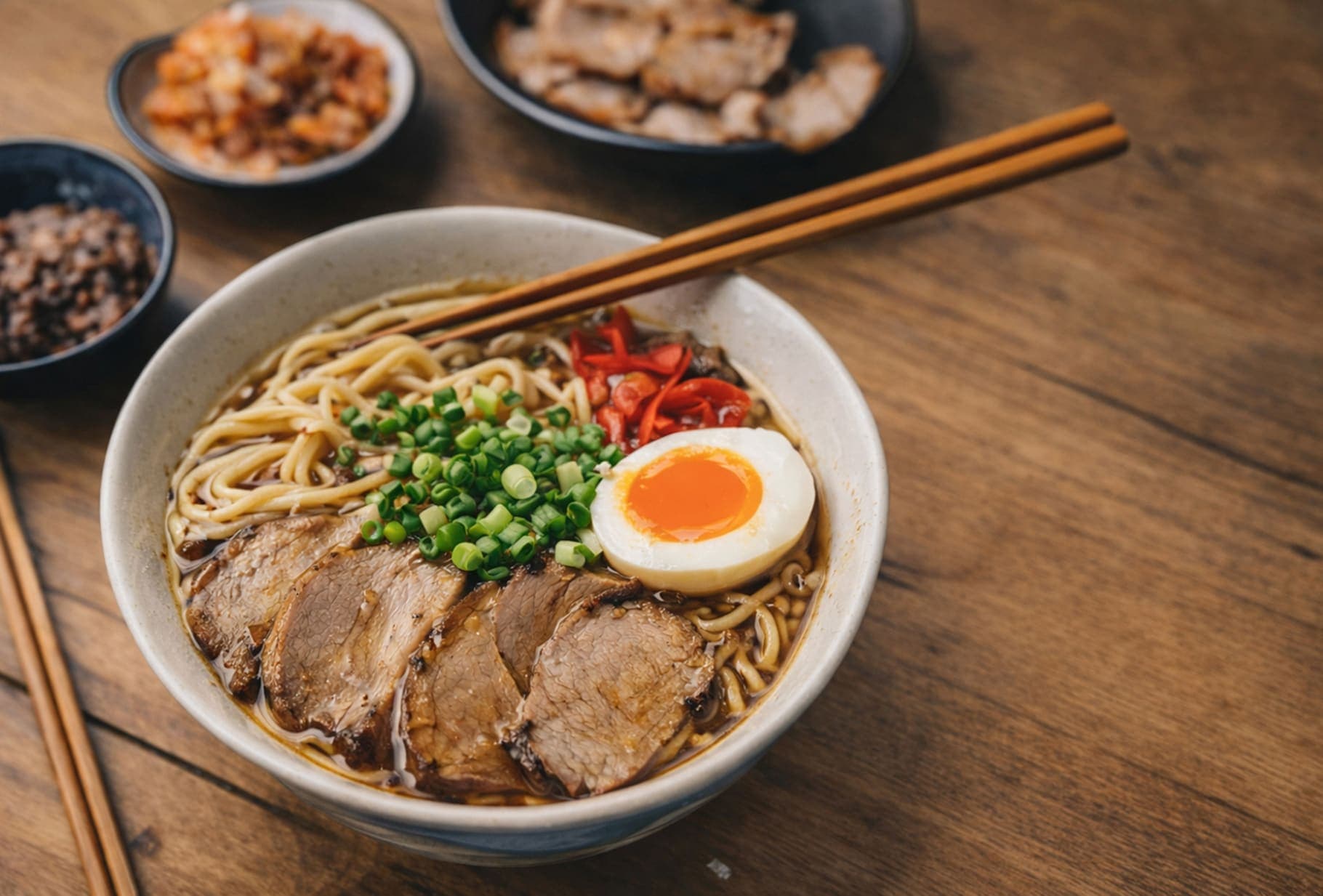
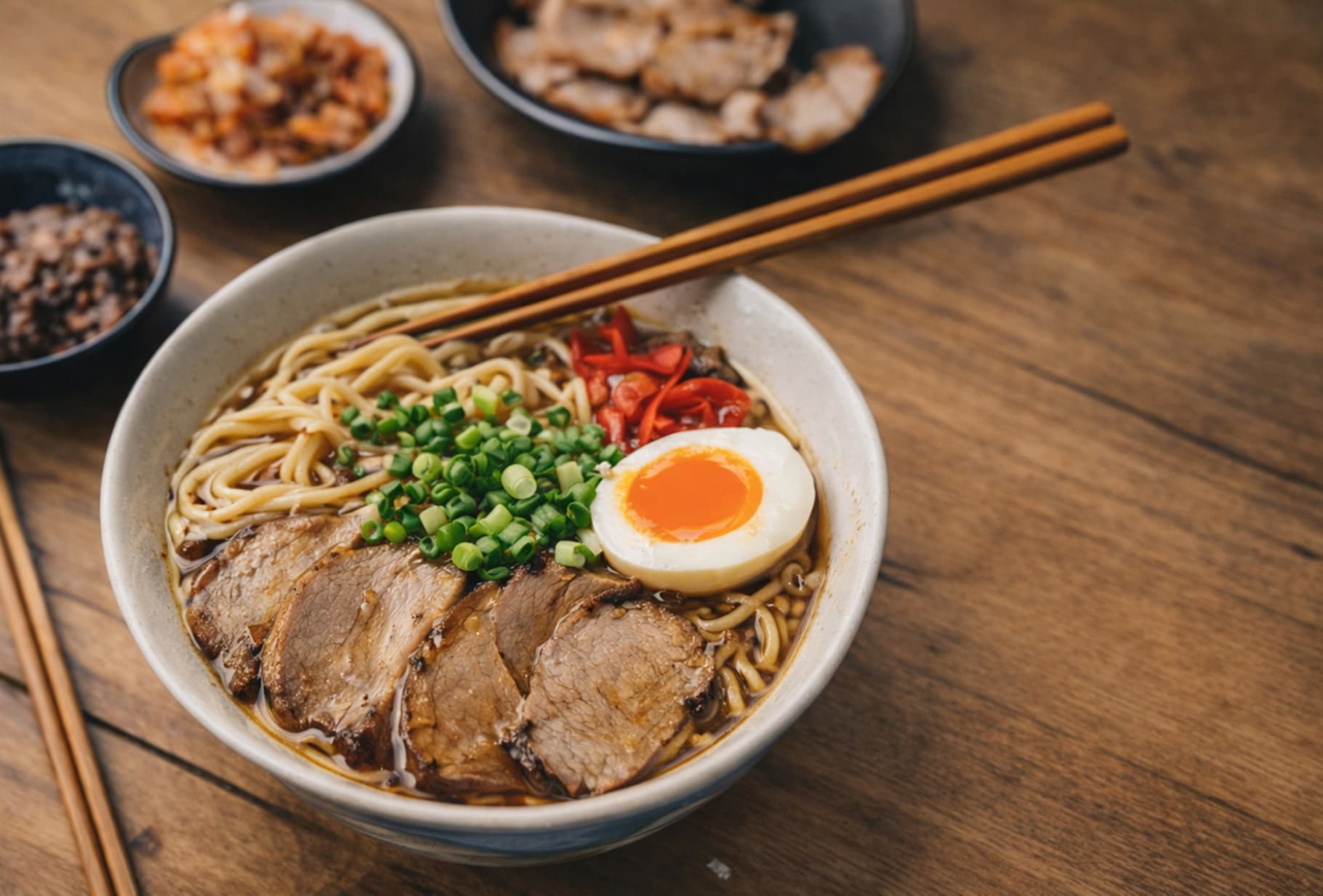
A quick visual check for detail, texture, and file-size tradeoffs. Reduced by 85% in this example.

Before
After
Before
After
Original 1.20 MB
Compressed 188 KB

FAQ

Will converting JPG to PNG make the background transparent?

No. JPG files do not contain transparency data, so the resulting PNG will keep a solid background. However, converting to PNG is a useful first step if you plan to remove the background in a design tool, because PNG avoids adding further lossy compression during later edits.

Why would I convert JPG to PNG?

PNG is preferred in many professional workflows because it uses lossless compression. By converting to PNG, you can keep the current image state from degrading further during later saves or edits, unlike repeated JPG exports.

Does the file size increase when converting JPG to PNG?

Yes, typically. PNG is a lossless format, so it stores more data to preserve crisp pixels. If the converted file becomes too large, you can optimize the PNG afterward with ForgeonX's PNG compression tool.