
Convert PNG to JPG Online

Optimize your assets by converting PNG to JPG. Reduce file size for faster web loading and easier sharing, while keeping your photos looking sharp and professional.

Before / After

Drag to compare the result.

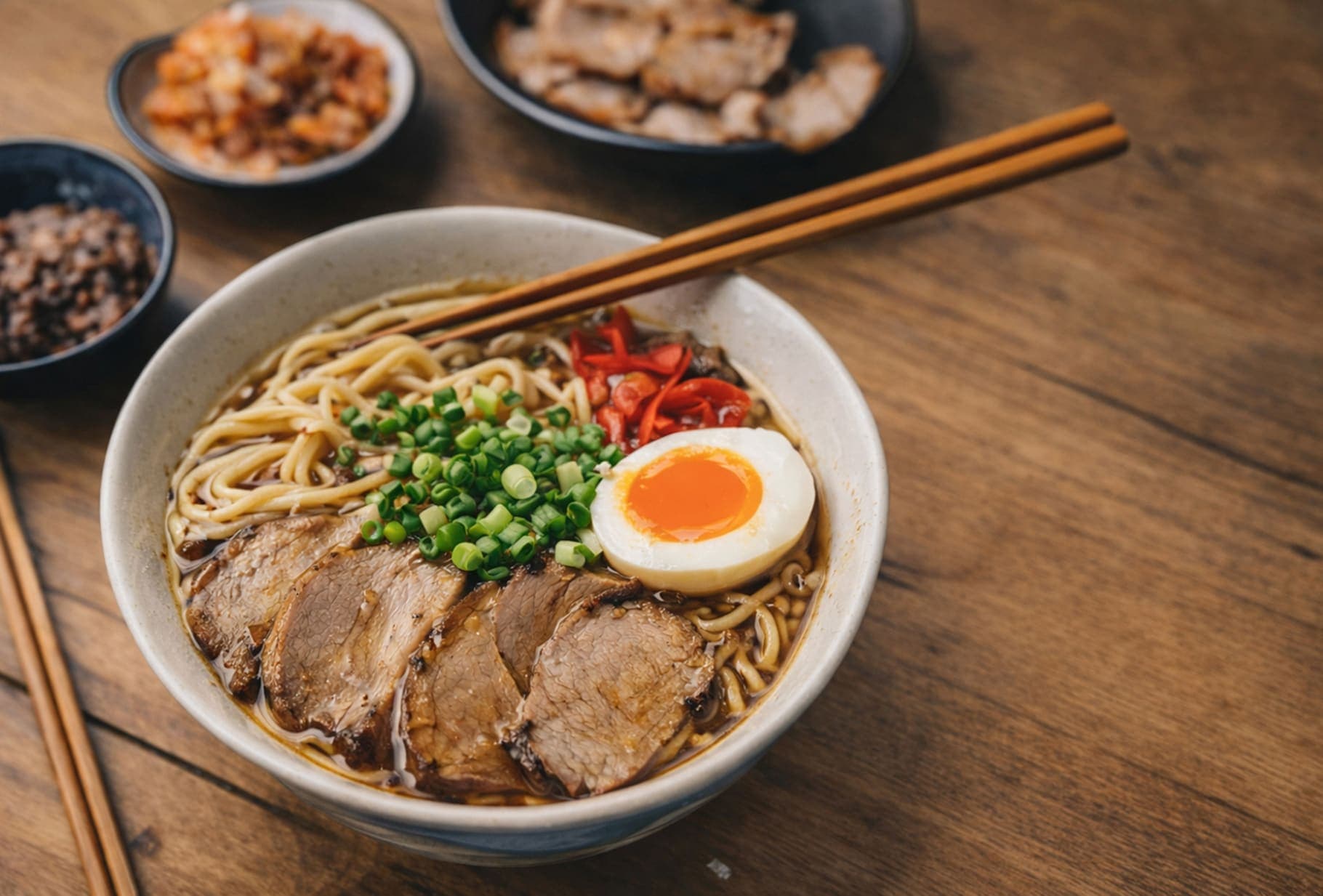
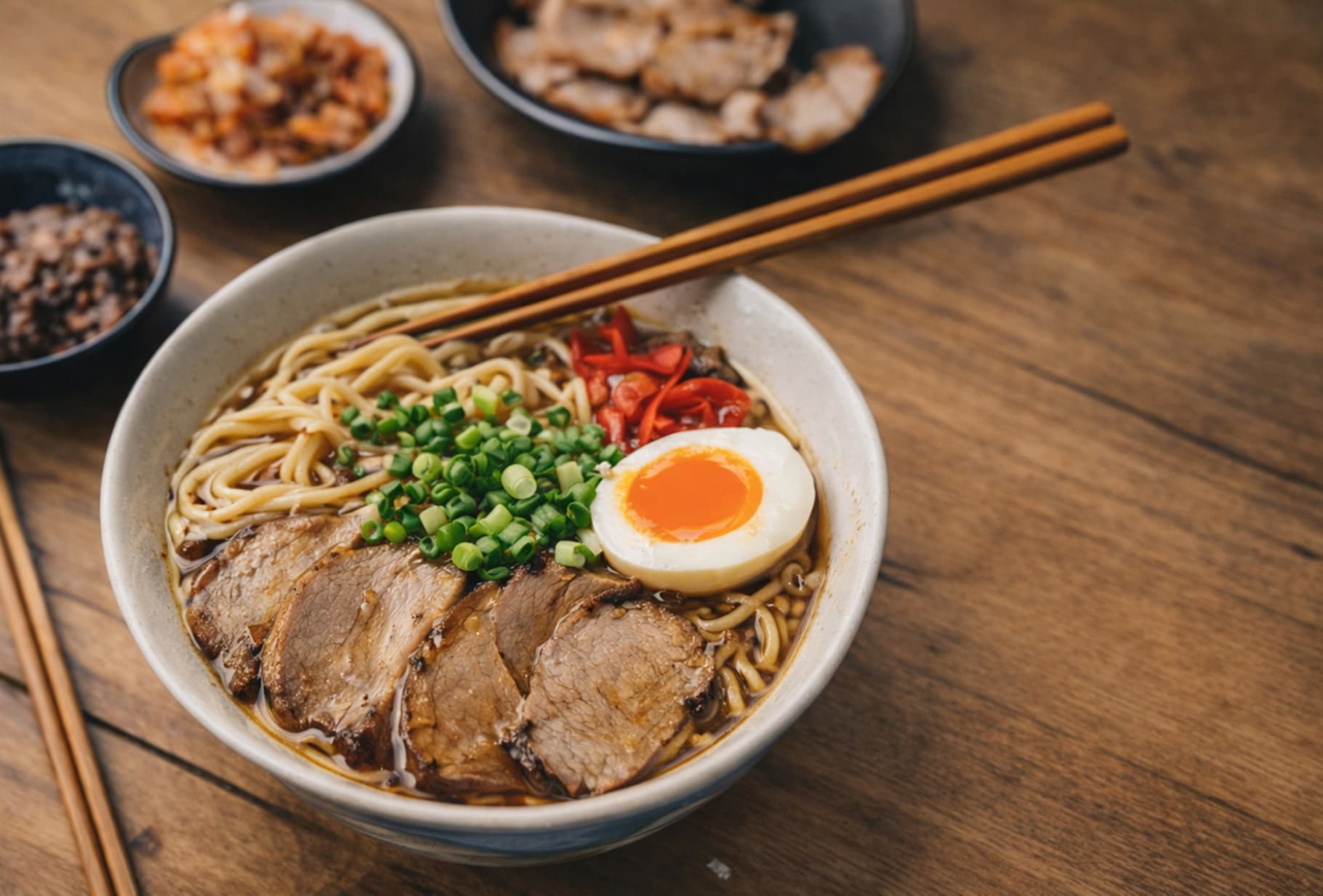
A quick visual check for detail, texture, and file-size tradeoffs. Reduced by 85% in this example.

Before
After
Before
After
Original 1.20 MB
Compressed 188 KB

FAQ

What happens to the transparent background when I convert PNG to JPG?

JPG does not support transparency. By default, ForgeonX fills transparent areas with a clean white background, which is a common practice for product photos, previews, and web assets.

How much smaller will the file be after converting to JPG?

For photographic PNG files, you can often see a large reduction in file size, sometimes around 50% to 80%. Results still depend on the image content, dimensions, and how optimized the original PNG already was.

Can I control the quality of the output JPG?

ForgeonX uses a high-quality JPG output by default. If you need a stricter file-size target after conversion, you can run the JPG through a target-size compression workflow to balance file size and visual clarity.